Ctrl+K

ripplemapper 0.4.dev6 documentation

  • The ripplemapper Tutorial
  • Example Gallery
  • Reference
  • The ripplemapper Tutorial
  • Example Gallery
  • Reference

Section Navigation

  • Using ripplemapper.io
    • Creating a RippleImageSeries object
    • Loading a Tiff Image
    • Loading a directory of images into RippleImage objects
    • Loading an image into a RippleImage object
  • Using ripplemapper.contour
    • Adding “Boundary” Contours to an Image
    • Adding Chan-Vese Contours to an Image
    • Adding Chan-Vese Contours to an Image
    • Removing “bumps” from a computed boundary
  • Visualising data
    • Plotting a RippleContour
    • Plotting a RippleImage
    • Plotting a RippleImageSeries
    • Plotting a timeseries of a contour
  • Example Gallery
  • Using ripplemapper.contour

Using ripplemapper.contour#

Examples showing how to use the ripplemapper.contour module.

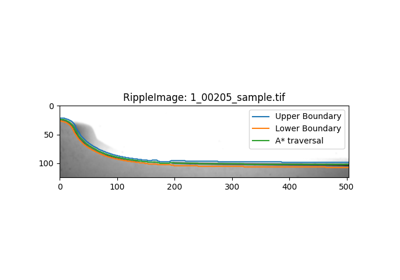
Adding “Boundary” Contours to an Image

Adding "Boundary" Contours to an Image

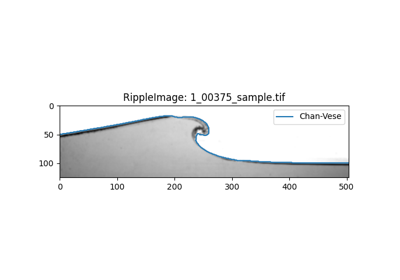
Adding Chan-Vese Contours to an Image

Adding Chan-Vese Contours to an Image

Adding Chan-Vese Contours to an Image

Adding Chan-Vese Contours to an Image

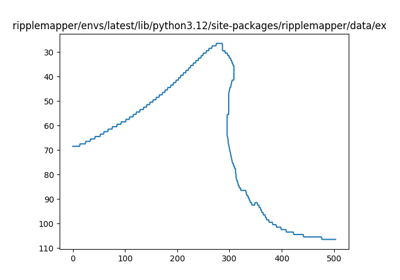
Removing “bumps” from a computed boundary

Removing "bumps" from a computed boundary
previous

Loading an image into a RippleImage object

next

Adding “Boundary” Contours to an Image

This Page

  • Show Source

© Copyright 2025 , Alasdair Wilson.

Created using Sphinx 8.2.3.

Built with the PyData Sphinx Theme 0.16.1.